
03: Create Code Studio Account
Opened: Thursday, September 10, 2026, 7:00 AM
Due: Friday, September 18, 2026, 11:59 PM
- Points possible
- 10
 Learning Target
· Create an account for Code Studio
· Set your display name for grading purposes
 Sign in to studio.code.org
· Click the Continue with Google button: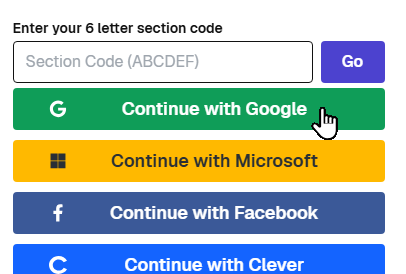
· Click the Continue with Google button: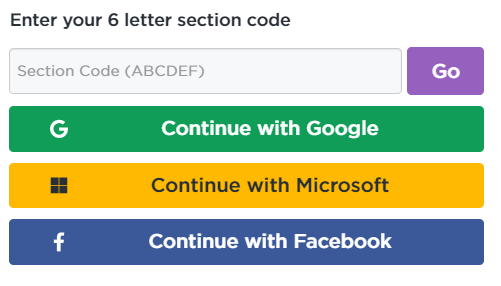
Don't sign in to Code.org using different methods each time (e.g. Clever).
Using different methods to sign in may create an account not linked to our course.
Only the work you do from a linked account will appear in the teacher's grading dashboard.
Using different methods to sign in may create an account not linked to our course.
Only the work you do from a linked account will appear in the teacher's grading dashboard.
 Verify Enrollment
- Go to your dashboard

- Verify that you are enrolled in the correct section (near the bottom of the page)
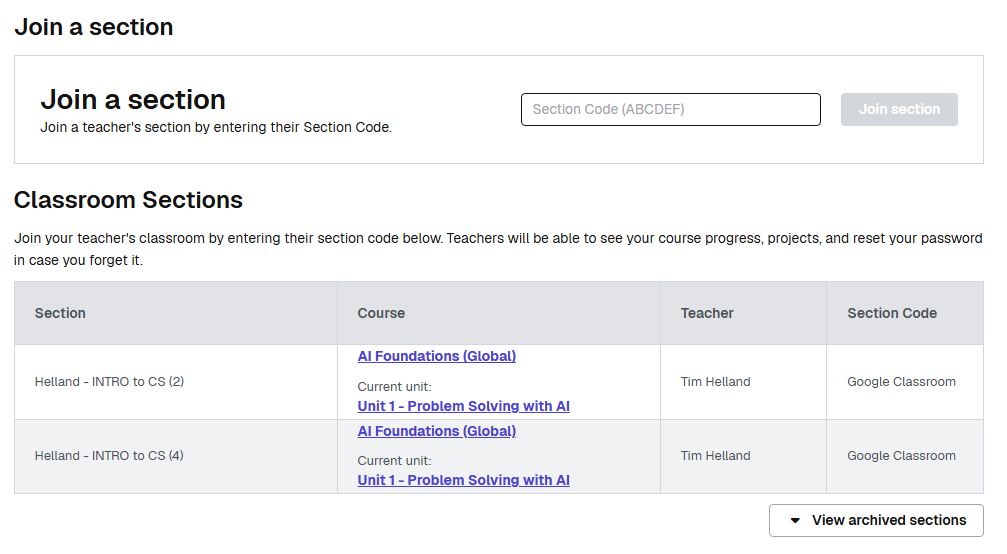
 Test your access
- Click this link: https://studio.code.org/courses/artificial-intelligence-foundations-2025/units/1
- You should see the Pre-Assessment (expandable, but locked)
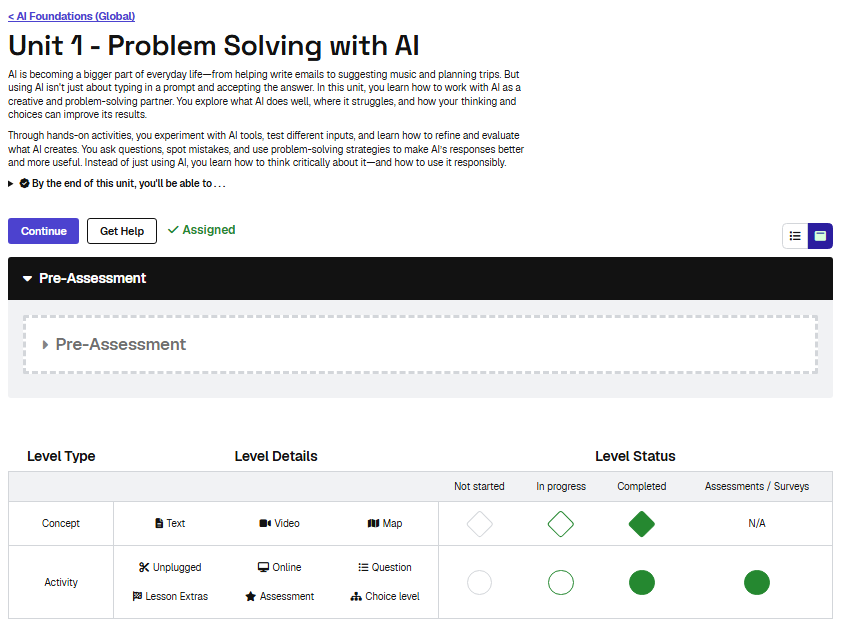
Completion requirements:
- Make a submission